
Follow stories and bugs
January 7th, 2026
Stay updated on specific stories and bugs without constantly searching or trying to remember where you last saw them.
Stay on top of what matters
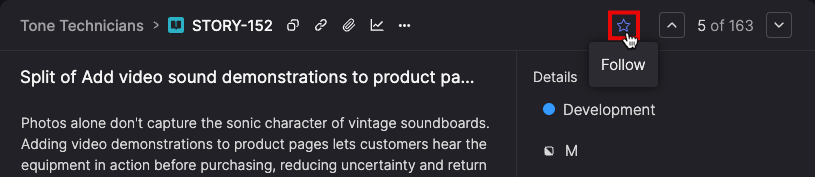
Click the Follow icon on any backlog item to start tracking it.
Followed items appear in a dedicated widget on your homepage, sorted by recent activity, so updated work rises to the top automatically.Use it to keep track of work owned by other teams, requested features, or bugs affecting your customers—all from your dashboard.

Find and manage followed items
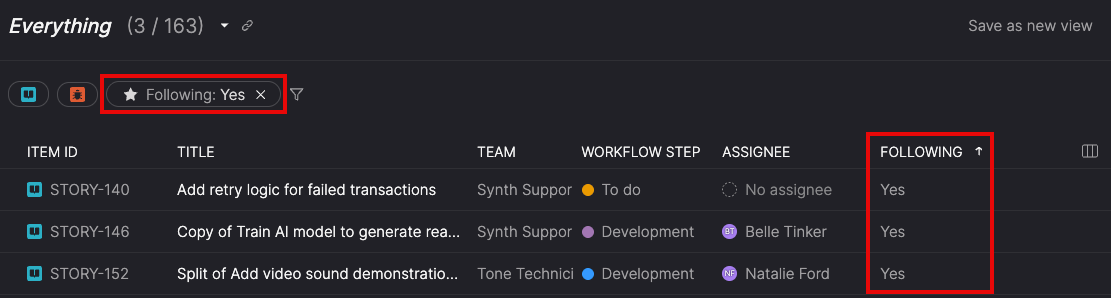
Filter the Everything page to see only items you're following, or add the Following column to spot tracked work across your entire backlog. Your view preferences stay with you across sessions, so your workflow stays consistent.