
Usability improvements
A set of focused improvements across Atono that make navigation, visibility, and everyday actions clearer and faster.
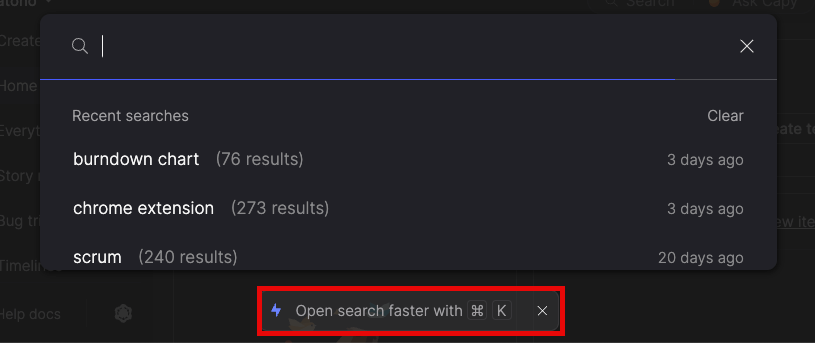
Jump to search instantly
Press Cmd-K (Mac) or Ctrl-K (Windows/Linux) from anywhere to open search, without breaking your flow.
Filter with fewer clicks
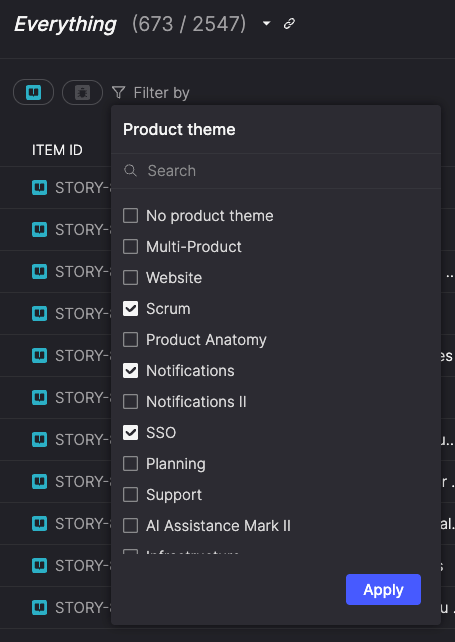
Filters now open with all options visible, so you can narrow results immediately instead of drilling into search fields first. Multi-select checkboxes and an optional search make it faster to refine results as you work.
Discover attachments more easily
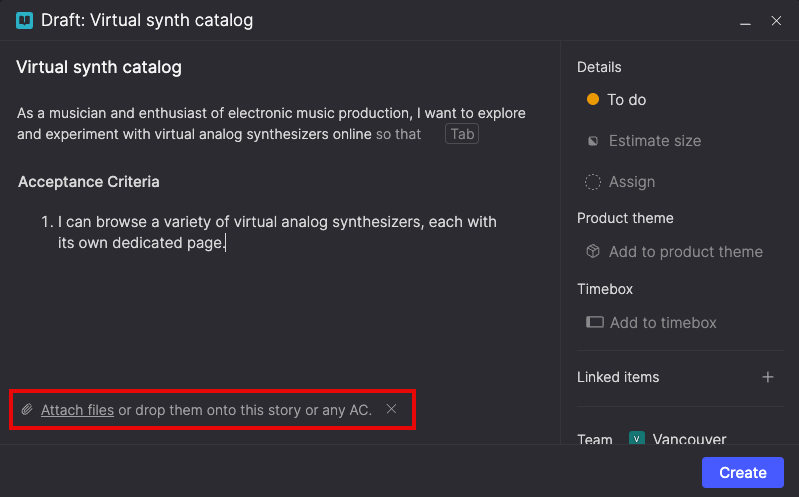
New visual cues clarify where attachments can be added—whether you’re creating a draft, updating an existing item, or attaching files to specific acceptance criteria.
A paperclip icon in the header and inline prompts in drafts indicate the appropriate place to add attachments, helping ensure files are associated with the right part of a story.