

Feature engagement improvements
This release includes several updates to Feature engagement that give teams more control over how usage data is tracked and displayed.
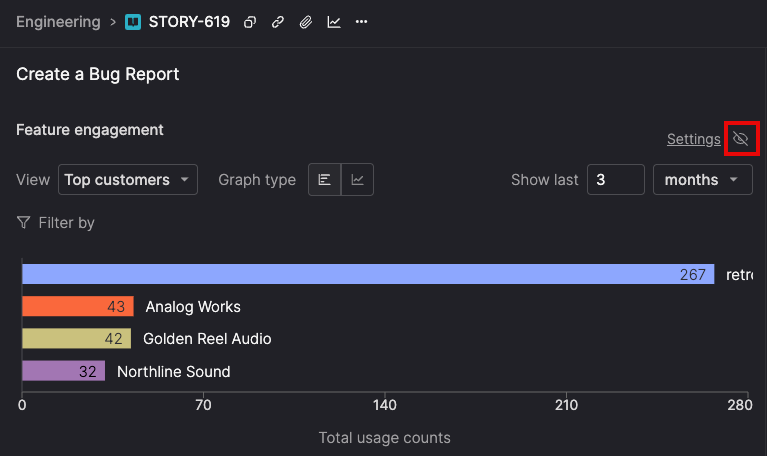
Control feature engagement visibility
Show or hide the Feature engagement section on individual stories depending on what you need to see. When engagement data is relevant, use the graph icon to jump directly to it. When it’s not, hide the section to keep the story focused on work details.
Your visibility preferences are saved per story and persist across sessions, so stories stay configured the way you left them.
Remove mapped actions from stories
Actions mapped using the Atono Chrome extension can now be removed from a story’s Feature engagement settings, making it possible to correct mistakes or stop collecting data for actions that are no longer relevant.
When an action is removed, Atono stops collecting new engagement data for that action. Any historical usage remains available in charts and reports unless it’s cleared.
